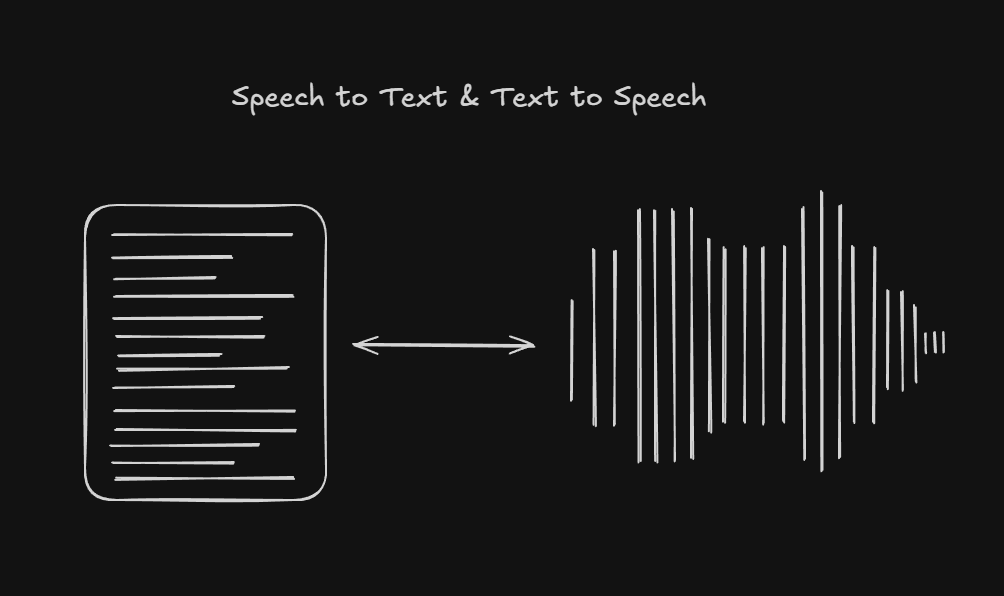
Integrating Speech to Text & Text to Speech
Integrating STT & TTS into a website seemed simple at first (STT actually was), but there were a few things I didn’t realize needed extra handling. The goal of this blog is to make you aware of those issues so that if you’re ever integrating TTS, you don’t run into the same problems.
February 5, 2026
Context
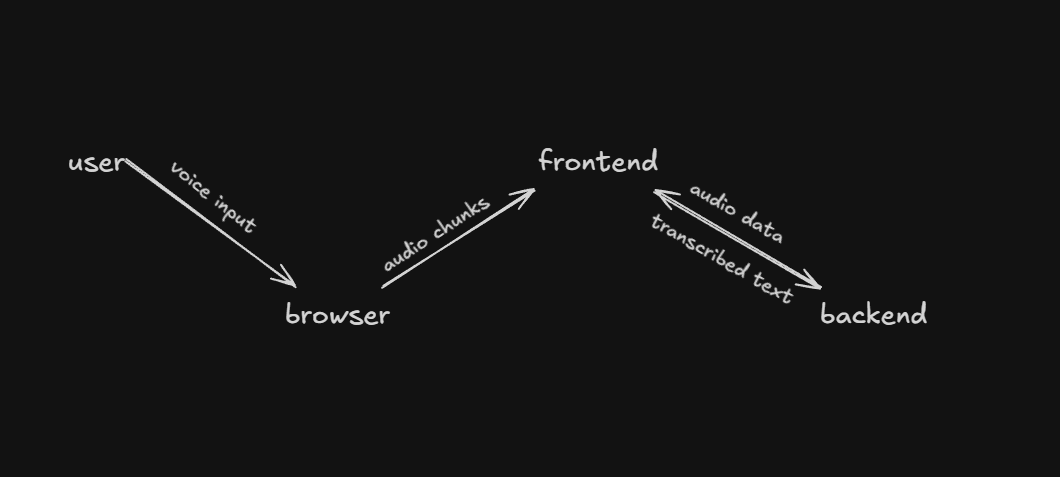
So I had to integrate STT (Speech to text) TTS (Text to Speech) into the website. The backend was responsible for returning text for STT and streaming binary audio data for TTS.
Sounds simple, right?
Speech to Text
The implementation of STT was pretty straightforward. After some browsing, I decided to use the MediaRecorder Web API to record audio and store the audio chunks. Once the recording finishes, the chunks are sent to the backend, which returns the transcribed text that’s then shown to the user.
Text to Speech
TTS also seemed straightforward at first. The plan was to use the MediaSource Web API to collect audio streams. As soon as the first audio chunk arrives, I’d start playback using an HTMLAudioElement, while MediaSource keeps appending incoming chunks.
That’s exactly what I did, and it worked perfectly.
Aftermath
Things looked great until I got feedback and found out that MediaSource isn’t supported consistently across browsers. On some browsers like Firefox, and even Safari/IOS. TTS wasn’t working at all.
After digging a bit more, it turned out this was due to differences in browser audio architectures and autoplay policies.
Solution
There were two separate issues that needed to be fixed:
- MediaSource not supported by the browser
- Safari/IOS issue where MediaSource was supported, but audio still didn’t play
For the first issue, I added a fallback: if MediaSource isn’t supported, the frontend waits for all audio chunks, combines them, and then plays the audio normally.
For the second issue, Safari/IOS requires explicit user interaction to allow audio playback. While the existing solution worked fine for shorter responses, larger messages failed. The reason was that longer TTS responses took more time for the backend to send the first chunk, and by the time the frontend received it, the user interaction window had already expired.
To fix this, as soon as the play function was triggered, I added a Safari/iOS check and immediately called audio.play(), even if no audio data was available yet.